

Understand it
Automation observes a program through more than its printed text. A machine may consume stdout as data and use the exit status to decide whether the next stage may run. Putting an error into stdout while returning success makes a broken command look like a valid empty result.
Use status 0 for a successful task count and 2 for a usage or input error in this CLI contract. Error text belongs on stderr and ends in a newline. Do not add a success banner to machine-readable stdout. A program that crashes or fails compilation is different from a deliberate domain error; retain that distinction when diagnosing the terminal result. The finite lab models the three outputs so tests can assert them separately; the companion uses println, eprintln and process::exit at its actual boundary.
The route project is Task Ledger: first keep a reproducible source history, then expose its data through a CLI and HTTP boundary, persist it in SQL, diagnose failures and prepare a release. This lesson owns one contract in that project. Run the worked example before changing the starter and explain which input makes the tempting shortcut fail.
Terminal practice: Run a valid and an invalid companion CLI invocation and compare output, error stream and exit result.
The compiler lab is independent of the reading question. Edit solution.rs; the app supplies a separate caller with normal, empty and adversarial inputs. A successful unchanged demonstration does not prove your implementation. After the lab, apply the same contract to the route companion project. Its README separates the on-device adapter from the desktop Cargo/TCP profile.
Read the code
pub fn report(result: Result<usize, &str>) -> (String, String, u8) {
    match result {
        Ok(n) => (format!("{n}\n"), String::new(), 0),
        Err(e) => (String::new(), format!("error: {e}\n"), 2),
    }
}

fn main() {
    assert_eq!(
        report(Ok(3)),
        (
            "3
"
            .to_owned(),
            "".to_owned(),
            0
        ),
        "case 1"
    );
    assert_eq!(
        report(Ok(0)),
        (
            "0
"
            .to_owned(),
            "".to_owned(),
            0
        ),
        "case 2"
    );
    assert_eq!(
        report(Err("invalid title")),
        (
            "".to_owned(),
            "error: invalid title
"
            .to_owned(),
            2
        ),
        "case 3"
    );
    assert_eq!(
        report(Err("missing input")),
        (
            "".to_owned(),
            "error: missing input
"
            .to_owned(),
            2
        ),
        "case 4"
    );
    println!("worked example passed");
}
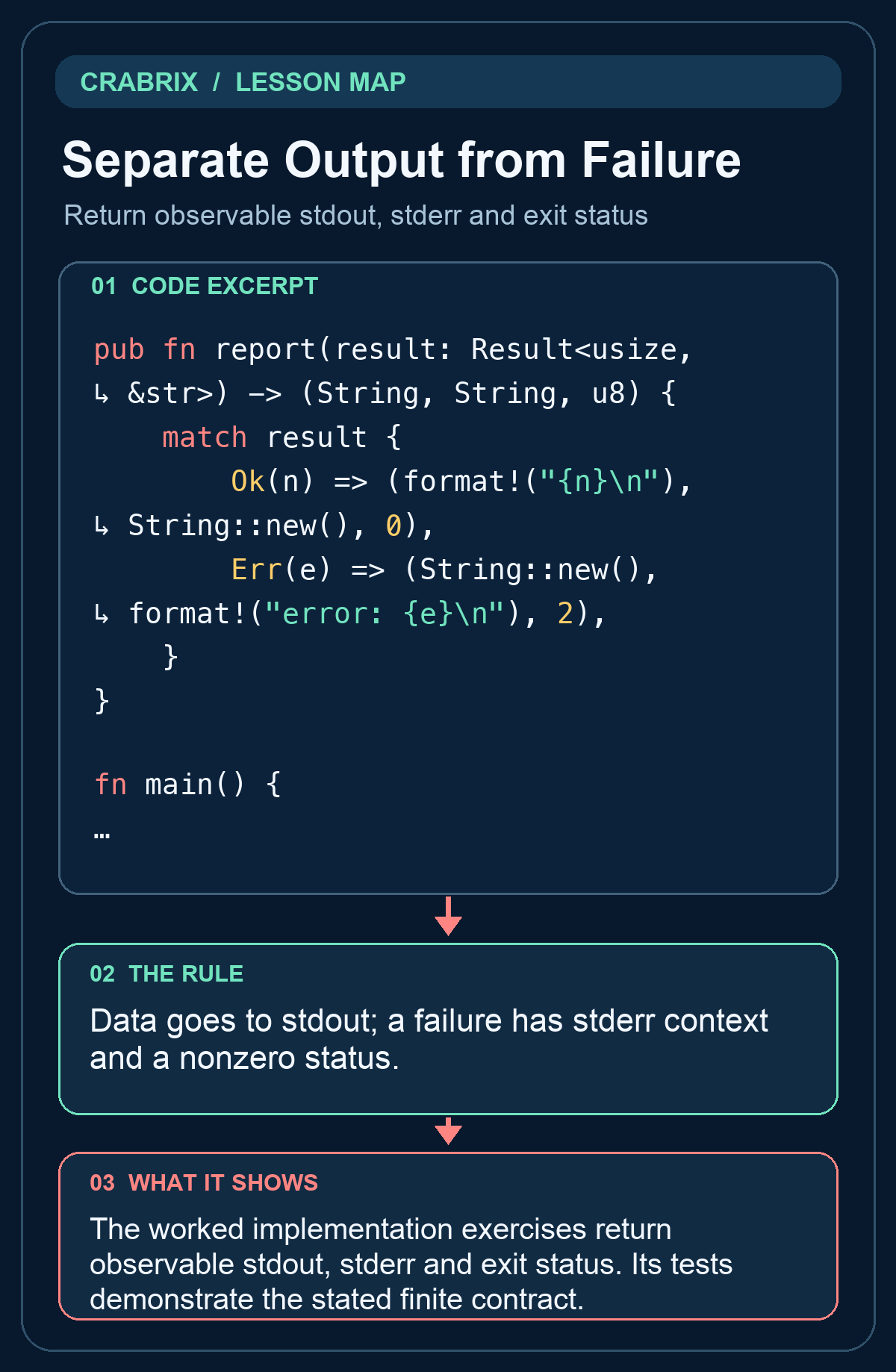
The worked implementation exercises return observable stdout, stderr and exit status. Its tests demonstrate the stated finite contract.
Practice starter
pub fn report(result: Result<usize,&str>) -> (String,String,u8) {
    todo!("implement the contract")
}
Try it
Return stdout, stderr and exit code. Success emits COUNT followed by newline only on stdout with 0; errors emit error: MESSAGE followed by newline only on stderr with 2. Keep the public signature. Open the compiler lab and edit solution.rs; do not edit the private verification caller.
What success looks like: The separate caller accepts the changed solution and rejects unchanged TODO, a wrong implementation and a printed success message.
Check your understanding
A command prints an error but exits with status 0. What is wrong for automation?
Reveal the answer
- The command reports success through its status
- Any text on stderr automatically changes the exit status
- Exit codes are only decorative
Writing stderr does not itself set a nonzero process exit status.
Go deeper
Common misconception: Any text on stderr automatically changes the exit status
Data goes to stdout; a failure has stderr context and a nonzero status.
- Identify the boundary: Return observable stdout, stderr and exit status. Write down its accepted inputs and observable output.
- Exercise the failure: Writing stderr does not itself set a nonzero process exit status.
- Check the independent caller: Return stdout, stderr and exit code. Success emits COUNT followed by newline only on stdout with 0; errors emit error: MESSAGE followed by newline only on stderr with 2.
Transfer challenge: Apply this contract to Task Ledger, introduce the failure described in the lesson, and show the failing check before fixing it.
Connections
- Process Bounded Standard Input: Treat input as data with resource limits
- Route Method and Path Together: Separate unknown routes from disallowed methods