Create, edit, check and run Rust on your device. This guide shows where each part of Crabrix lives, how to prepare dependencies before going offline, and how to tell a code error from a platform requirement.
Compilation and program execution take place on the device. Crabrix does not upload your project to a remote compiler. Downloading a public repository, a new crate or a course update needs a connection; using material already prepared on the device does not require an app account.
1. Create a small project first
Open Projects, choose New Project and create a Rust project. Give it a name that describes the experiment. My Projects opens your saved project library; folders and tags organize that library without relocating the durable project files.
Start with a program that has no external packages. Replace the starter source with the example below, use Check, then Run. A successful run prints one line in Output. This establishes that the bundled compiler works before you add a dependency graph.
fn main() {
    let language = "Rust";
    println!("Hello, {language} — running locally!");
}
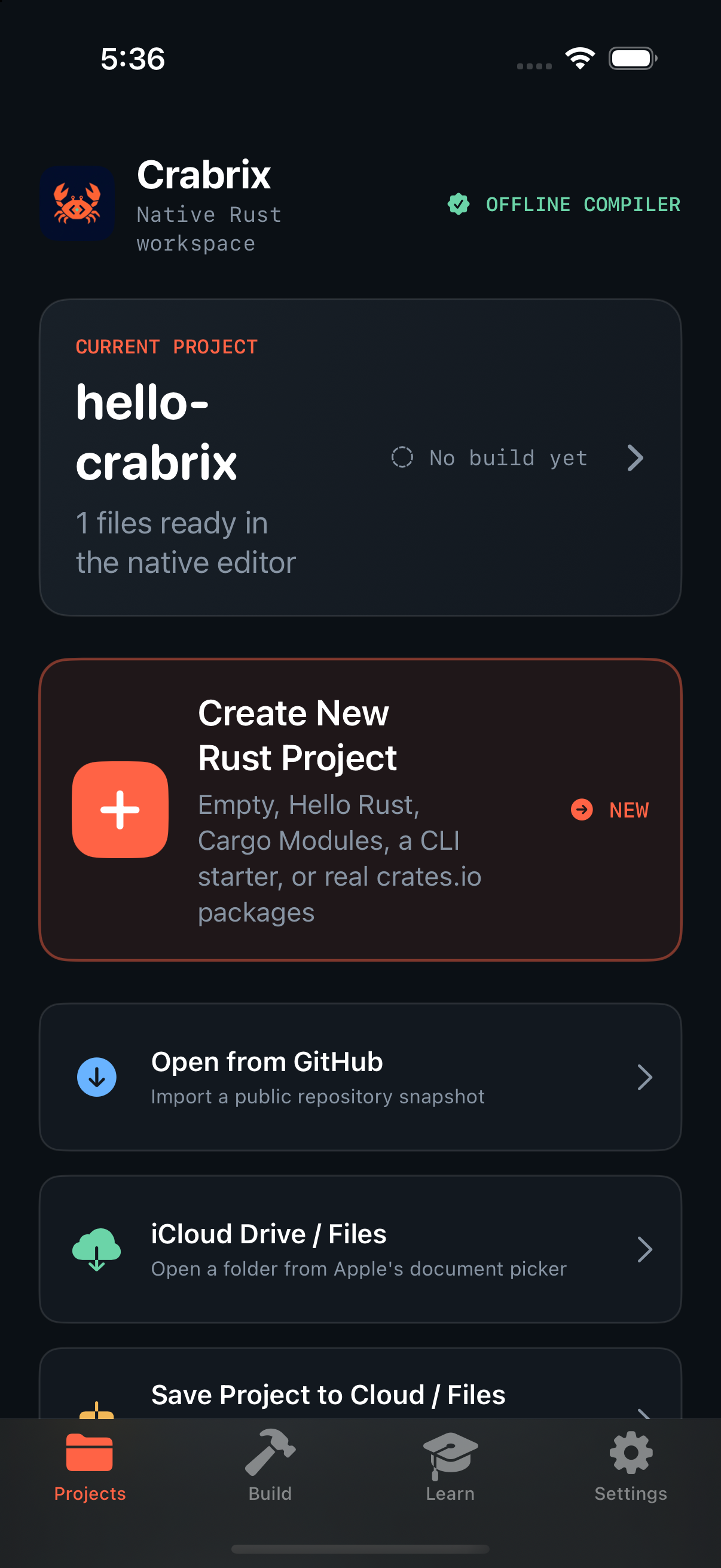
Projects is the entry point for creating, importing and opening your work.My Projects keeps durable copies, with folders, favorites and tags for organization.
2. Understand the project files
Use Files to open the project tree. A small program can live in main.rs; a Cargo package usually has Cargo.toml and src/main.rs. A declaration such as mod greeter; loads another source module from the corresponding file. Keep the module and directory names consistent with the source.
The selected file is what you edit; the project entry file is what the compiler builds. Opening a supporting module should not turn it into a different program. A library-only repository needs an executable example or a suitable entry point before it can be run; checking a library and running a binary are different operations.
Under New Project, import from Files or GitHub. Public GitHub import downloads a source archive, not the repository's prebuilt native executable. An imported project still has to fit the supported manifest, dependency and target requirements. Large workspaces, Git/path dependencies and host-specific build tools may need preparation before the selected package can be compiled.
Keep a copy of your original project when investigating a complex import. Read its README, license and Cargo.toml first. A GitHub URL is a source location; it is not a guarantee that the project targets the offline WebAssembly environment.
3. Prepare packages before going offline
A Cargo project declares crates in Cargo.toml. Open the package controls to add or resolve a dependency. Crabrix resolves the graph, downloads exact source archives, checks their registry checksums and builds the required libraries locally. The original package source remains available to view; Vendor & Edit creates an editable project-local overlay.
The package window shows what is waiting, being acquired or unpacked, what is already available, and the exact package that failed. Expand a package to inspect its dependencies. Closing this window leaves the operation running. You can return to its details from the build-stage log in Output.
Keep Cargo.lock with the project. It records the resolved versions and checksums. New package preparations retain verified archives outside iOS's purgeable cache, so extracted sources can be restored after cache eviction. Removing offline archives intentionally removes that protection. Changing dependencies while offline can require packages that have never been downloaded.
Before a trip, open the project, let package preparation finish, perform a successful Run, then disable connectivity and repeat the run after reopening the app. This checks your actual project rather than assuming that a cached result proves every required source archive is retained.
A package's status distinguishes an expectation from evidence. Check verified means metadata compilation succeeded. Link verified requires an actual library build. Neither label proves every optional feature, target or version of that crate works. Read the feature-specific results and limits below.
4. Check code, run it, and read the right panel
Check asks the compiler to analyze the current project and produce diagnostics. It does not execute your program. Run builds an executable WebAssembly module and runs it in the local sandbox. The first dependency build can take much longer than an unchanged build that reuses verified artifacts.
Problems contains compiler and setup errors, including failures with no source location. Open a diagnostic to inspect its relevant file and location when available. A package build failure is not evidence that the root file is error-free; the compiler may not have reached it yet.
Output contains the program's printed text or validated visual output. The expandable Build stages log records dependency preparation, compilation, cached work and execution separately. A count of completed packages is not a prediction of time remaining: one large package can take longer than many small ones combined.
Use Stop to cancel a long operation. Cancellation has its own stopping reason; it should not be confused with a Rust syntax error. After cancellation, wait for the worker to finish stopping before starting another operation. Your editable source remains the project you were working on.
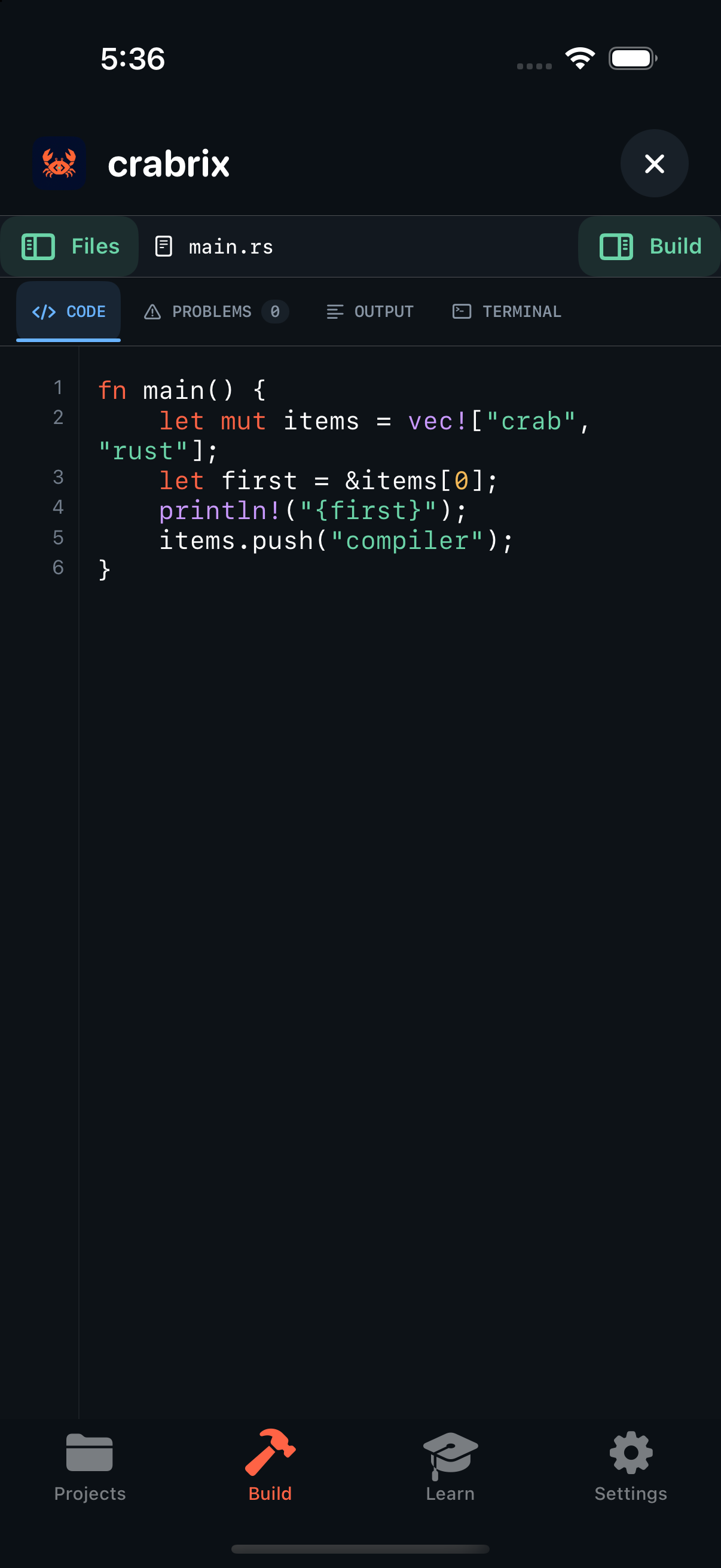
The editor shows source; Problems explains errors; Output shows what a completed program printed. This capture is a deliberate borrowing exercise, not a successful-build claim.
5. Build a local web page
Choose Web Page for an HTML entry with styles.css and app.js, or Rust Web Generator to write those assets from a Rust program into /sandbox. Run opens the successful output as an offline WebKit preview. Check prepares direct web assets; it does not claim to compile JavaScript or validate browser behavior.
Keep script and stylesheet references relative and include all required assets locally. External HTTP requests, CDN scripts and remote fonts are blocked. The preview uses a nonpersistent browser data store and exposes no native project-editing or shell bridge. Browser errors appear in its console and in Problems; Rust errors remain compiler diagnostics.
Close releases the preview; Reload starts a new page session. The current snapshot allows 256 supported assets, 2 MiB per asset and 8 MiB in total. WebKit runs separately from WASI: a JavaScript loop is not governed by the Rust guest's instruction or time budgets. TypeScript is highlighted but not transpiled. This feature renders local pages and does not run a TCP server.
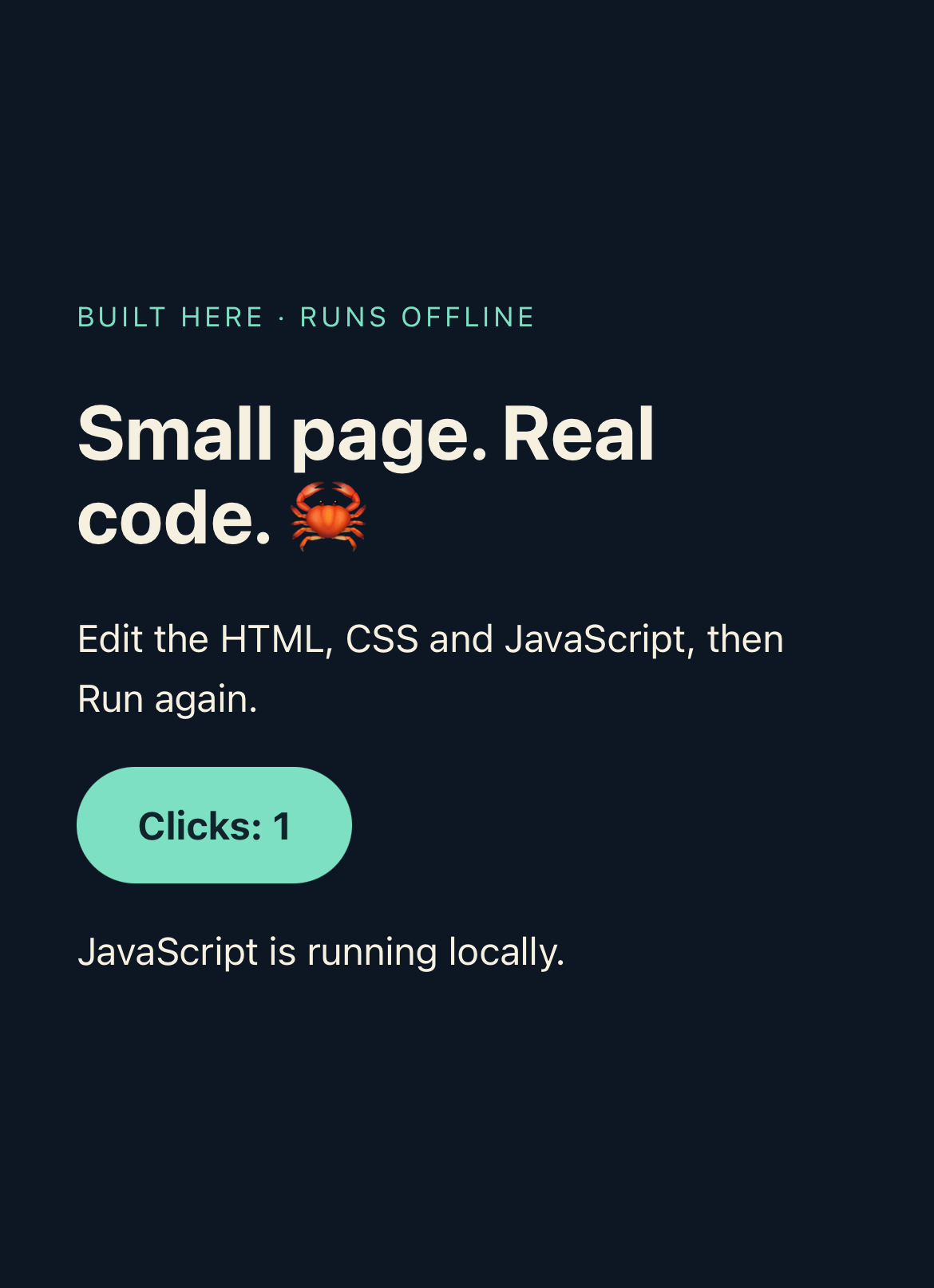
A real Simulator WebKit capture after clicking the local counter. This shows the rendered page, not the native editor controls.
For a complete generator with escaping, local CSS and an interactive counter, see the Rust web lab article.
6. Use the project terminal as a project tool
Choose Terminal and enter a supported command, or use a command chip. Start with help to see the commands available in your installed version. Commands such as tree, cargo metadata, cargo check and cargo run inspect or operate on the current project.
This terminal is a project command interface. It does not expose a general iOS shell, install arbitrary host executables or make external command-line tools available to build scripts. A repository instruction that invokes Bash, a native C compiler or a platform SDK therefore needs a separate compatibility assessment.
When you switch to Terminal, focus belongs in its command input. On Duo, the keyboard-dismiss control beside the code tabs lets you reclaim space when needed. The editor helper keys and keyboard layout are adapted to the device; the terminal's commands still operate on the same saved project.
7. Move from a lesson to your own project
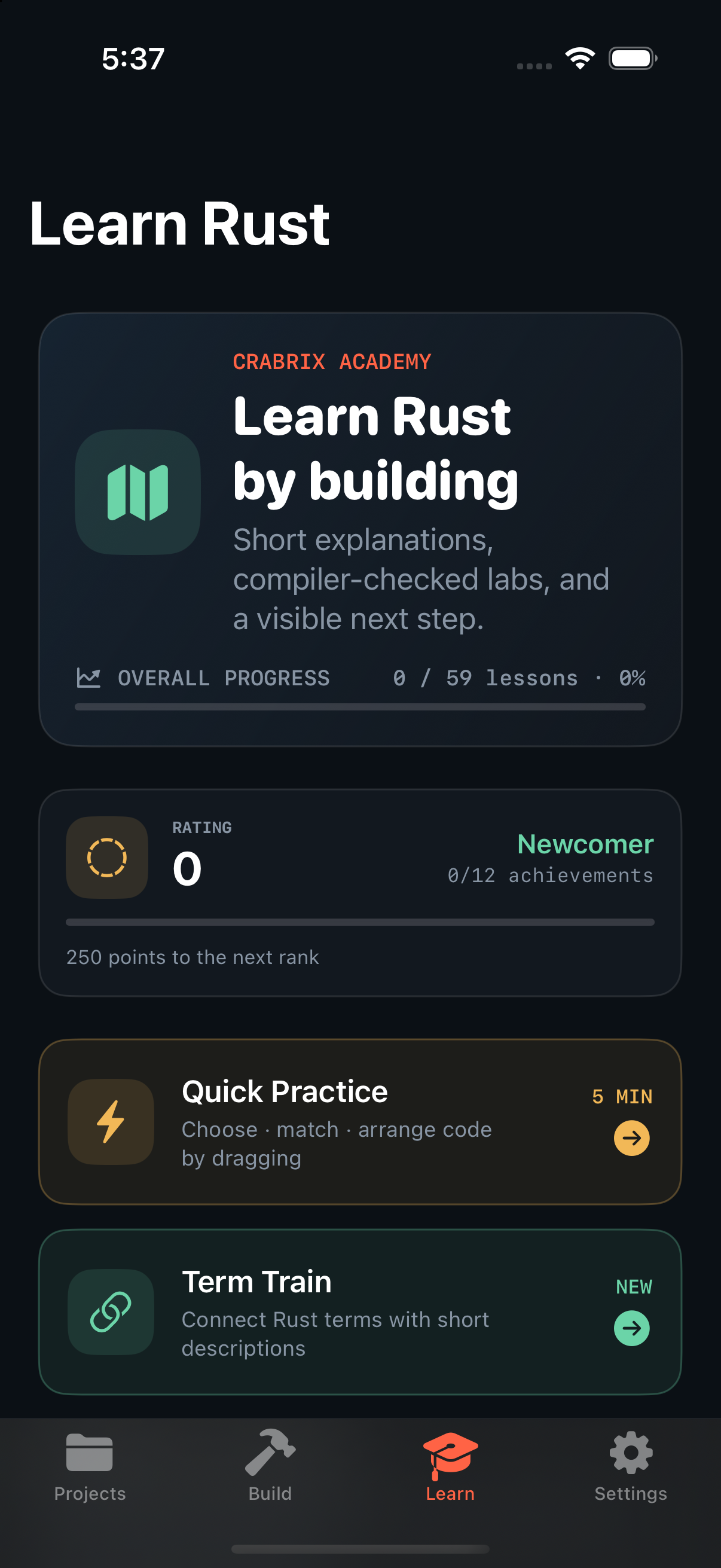
In Learn, download a course and open its lessons offline. A signed course update can replace lesson explanations, starters and media while retaining your learning progress. Refresh installed courses to look for updates; use the course's Update action or Update all when an update is offered.
Open in Code creates or opens an editable project for an example or lesson. That project is a durable copy. Updating the course does not silently rewrite your edited project. If you want the newer starter too, open it separately and compare the source before replacing your own work.
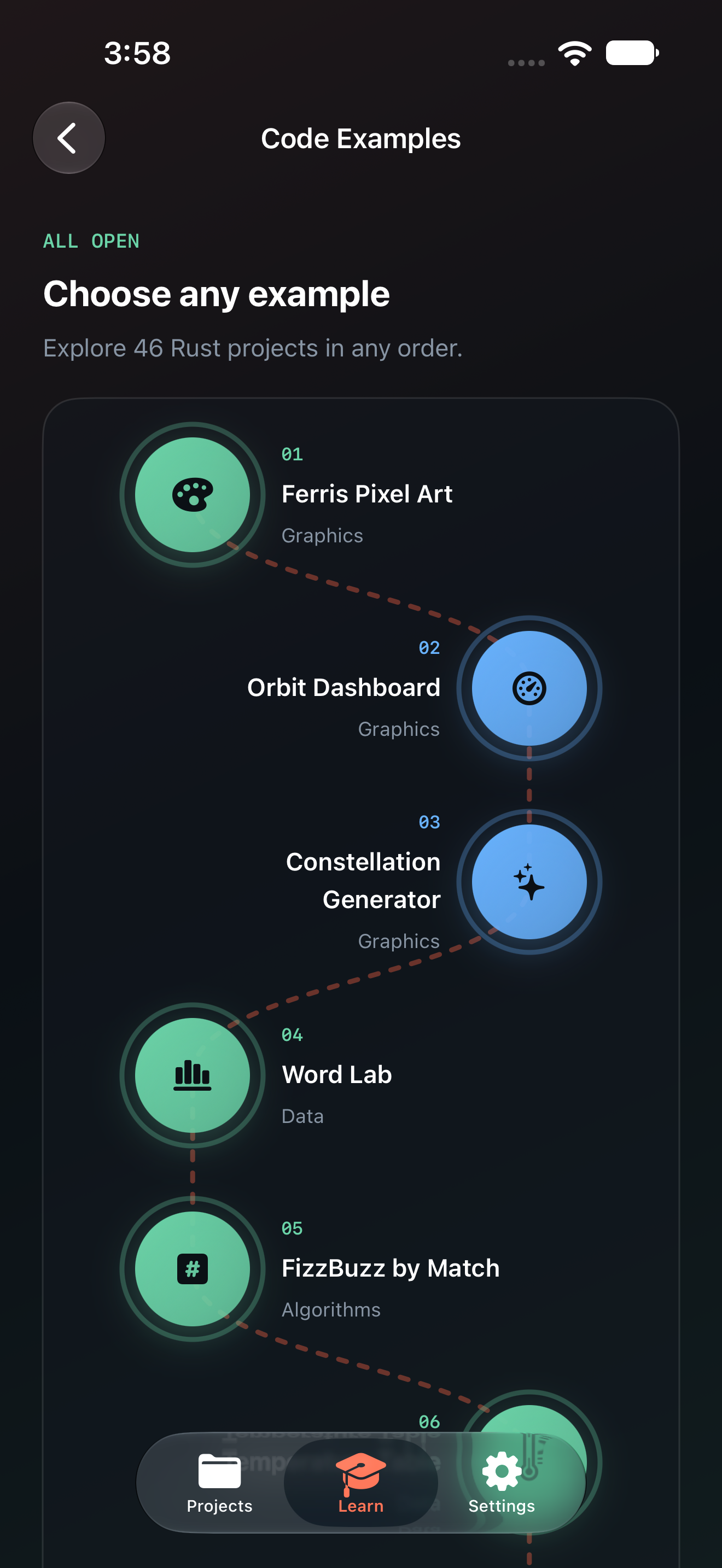
Some challenges validate a particular behavior through a private harness; a program compiling successfully is not always the same as passing the challenge. Read the lesson's expected outcome and feedback. Code Examples also include descriptions and illustrations that explain what the program is meant to demonstrate.
The website's Academy provides public lesson previews and complete lessons in a free website account. The native app's local compiler and downloaded learning material do not require that website login. Optional online account or Game Center features are separate from local compilation.
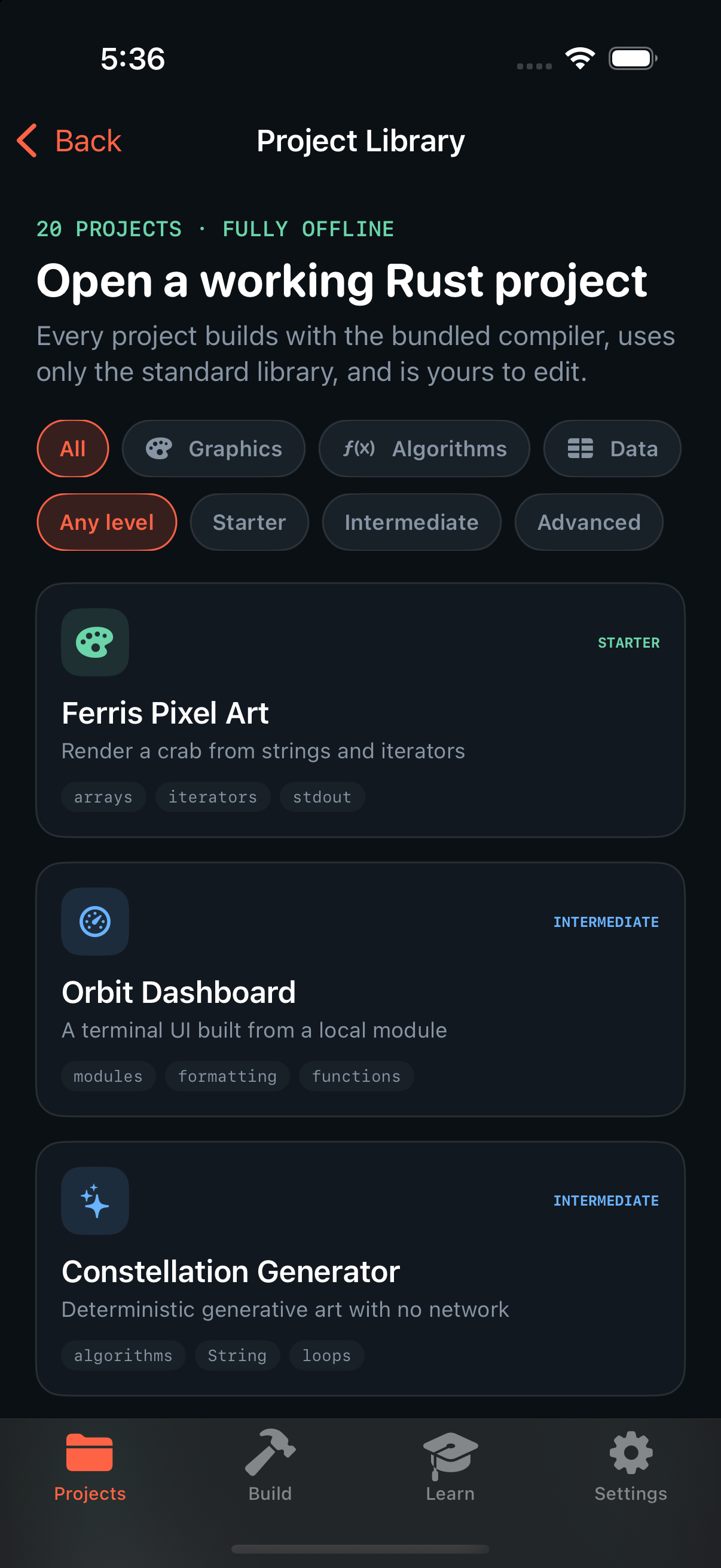
Download a course while connected, then keep reading it offline.Examples connect the explanation and illustration to an editable Rust project.
8. Work on iPhone, iPad and Duo
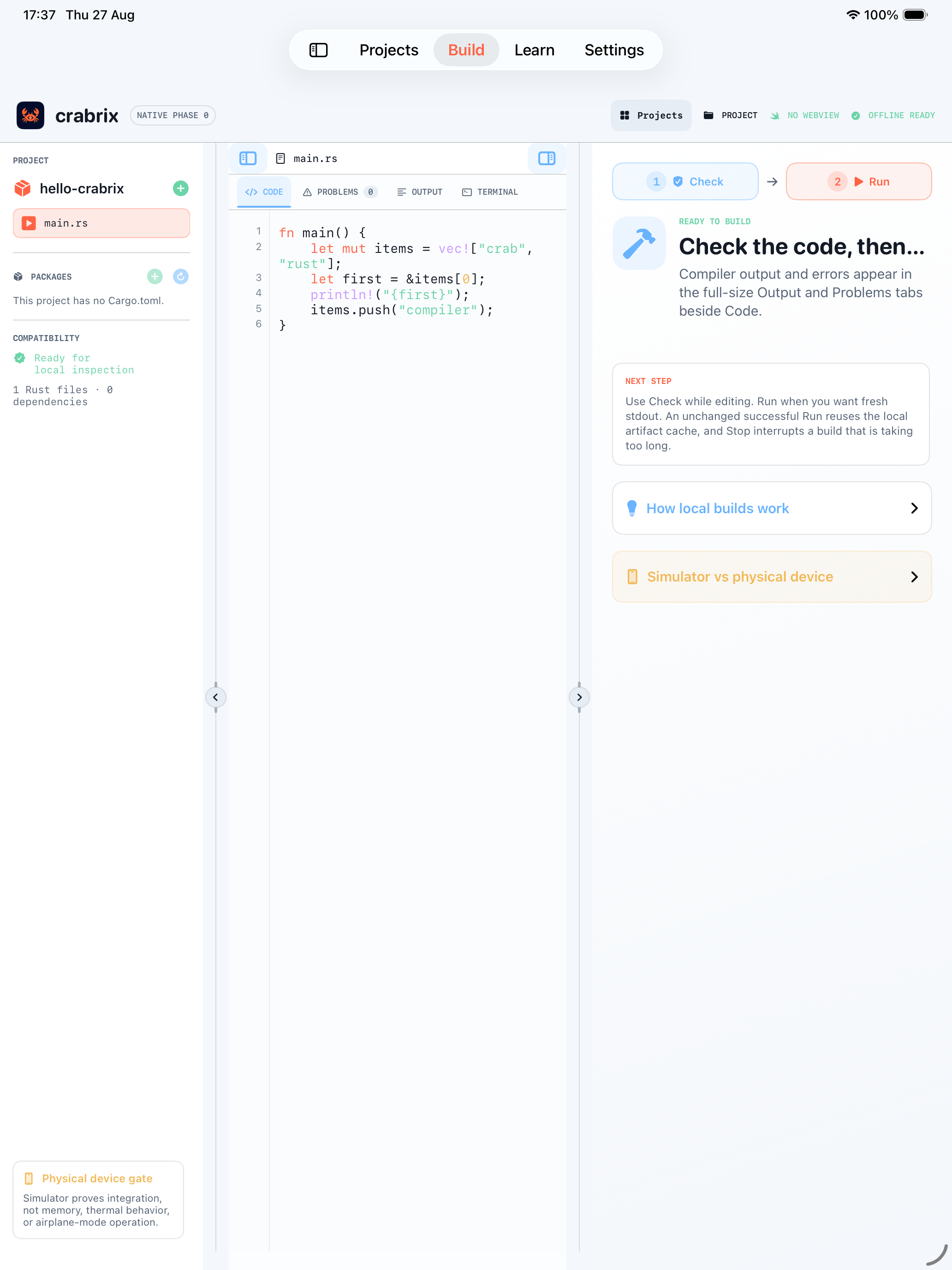
On iPhone, Files opens the project navigator while the editor stays focused on the selected source. On iPad, the wider workspace can show the file sidebar alongside the editor and in-file search. Search finds text within the open file; it does not change which project is compiled.
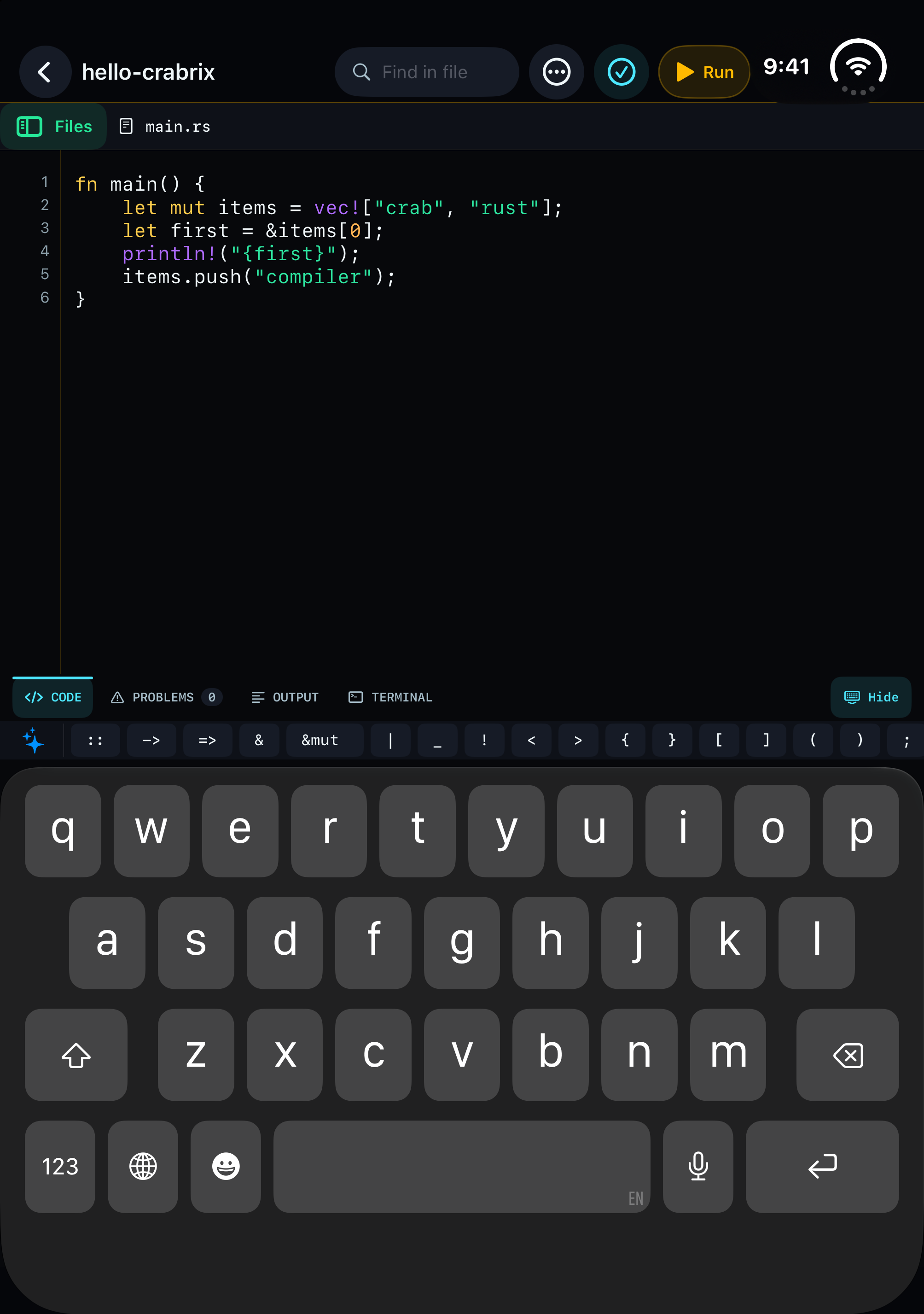
Duo adapts the workspace to the fold and posture. The compact header includes the project name and search. Code, Problems, Output and Terminal share the established tab region, with editor helper keys directly above the keyboard. Use the keyboard-dismiss control in the tab strip when it is available for that posture.
Duo: project name and search at the top; code tabs, helpers and keyboard in the fold-aware workspace.iPad: a wider workspace with navigation and search above the code.
9. Know what the compiler can actually run
The bundled compiler targets wasm32-wasip1, executed by an interpreter. The app does not turn downloaded source into an unsigned native iOS executable. A dependency being pure Rust is helpful, but does not by itself prove compatibility: it may still require operating-system facilities, compiler features or host tools absent from this target.
Requirements and their meaning in the offline environment
Requirement
What to expect
Standard-library learning programs
Use the local compiler and supported WASI operations. Check and Run remain separate checks.
Cargo features and versions
Compatibility belongs to the exact resolved graph. An optional feature may introduce native code or an unavailable runtime service.
Code-generating build.rs
The offline host supports standard-library scripts with isolated generated files and selected Cargo instructions. Separate build-dependency graphs, subprocesses and native linker directives remain distinct requirements.
Procedural macros
Host procedural-macro execution is not bundled. An explicit macro-free profile may work; Crabrix does not silently rewrite a project's requested features.
C, C++ and native libraries
The toolchain includes its WASI sysroot, not a general on-device Clang installation or arbitrary native iOS/Linux libraries. A crate that invokes cc or links a system library needs additional compiler/runtime work or a documented portable implementation.
Tokio and Axum
Single-threaded scheduling, timers and channels are different from TCP sockets, process spawning and a server runtime. Consult exact tested profiles; a router handling an in-process request is not a listening TCP server.
Networking and external services
The program sandbox has no network imports. Downloading a package through the app does not give that package's program access to the internet.
CUDA / NVIDIA
An iPhone has no NVIDIA CUDA device or CUDA driver. Such a requirement cannot be supplied by enabling a Rust feature flag. GPU APIs are not exposed to this guest environment.
User-program policy currently caps linear memory at 64 MiB, output at 1 MiB, writable sandbox data at 8 MiB across 256 files, and execution at a 30-second deadline plus an instruction budget. Compiler execution has a separate, larger budget. These are upper bounds, not reserved physical memory; iOS can impose its own resource constraints.
A failure in Crabrix's code generator is a compiler defect to investigate, not a claim that the Rust project is invalid. When reporting one, include the exact package versions, features, source and diagnostic. Technology describes the runtime and toolchain; the project README records the tested compatibility matrix and remaining gaps.
10. Diagnose, save and share a reproducible project
Start with the stage that failed
Symptom
Next step
A download fails
Read the named package and error in the package window. Check connectivity while acquiring new material. Keep already verified packages; retry the missing step when connected.
Problems reports a Rust error
Open the diagnostic, inspect the file and location, fix the code, then Check again.
No program output
Check whether you used Check rather than Run, whether compilation stopped earlier, or whether the successful program prints anything.
A crate or target is unsupported
Read its exact requirement. Separate a backend defect from host macros, native toolchains, networking or GPU hardware requirements. Preserve the original manifest while investigating.
An offline reopen fails
Check Cargo.lock and retained package archives. A changed manifest may request a new dependency that was never acquired.
Use project settings to save an editable project package or export a source ZIP. Keep the manifest, lockfile and supporting modules with the entry source. Remove private data before sharing a reproduction. Package licenses still apply to imported and redistributed source; the app's license library and terms describe Crabrix's own components and content.
For help, send the smallest project that demonstrates the problem, the app/build version, device format, exact action and the text from Problems. Mention whether it occurs after an offline reopen or only after changing dependencies. That evidence makes it possible to fix the missing capability and rerun the same test.