

Understand it
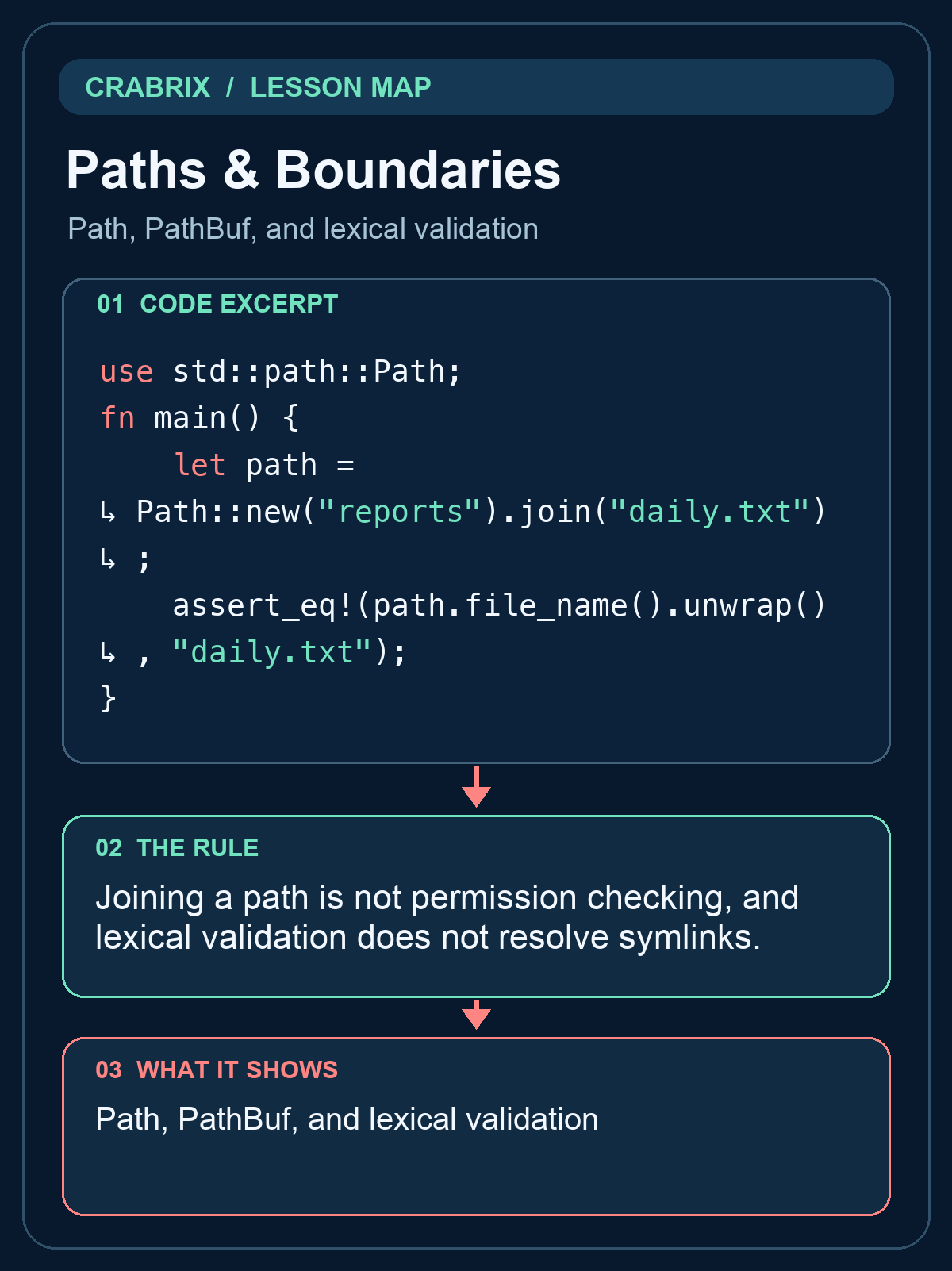
Use Path for a borrowed path and PathBuf for an owned path that can be extended. Concatenating strings can mishandle separators and makes it difficult to see which input controls the destination. root.join(name) expresses the relationship, but it does not guarantee that the result stays beneath root. In particular, an absolute name can replace the beginning, and parent components can walk upward.
For the lab, accept only a nonempty sequence of normal relative components. Reject an absolute path, any parent component, and a path containing only current-directory components. Joining the accepted components gives a useful lexical rule for an imported project name. Spaces and Unicode are legitimate filename content; do not reject them merely because a shell command would need quoting. No shell command is involved in this operation.
This is deliberately not a complete security boundary for a hostile filesystem. A symlink inside root may point elsewhere, and checking a canonical path before opening it can race with a later replacement. Real authority comes from the host's granted directory handles and platform-specific safe open operations. A WebAssembly guest should not gain access to a user's home directory just because a path string looks harmless.
Local compiler profile: standard library only. The exercise manipulates paths without touching disk. The following file lesson demonstrates a granted sandbox destination. Keep these layers separate: parse a requested relative path, apply the host's access policy, and handle the actual open result. This separation is useful when importing archives or moving project files as well as when writing a command-line report.
Read the code
use std::path::Path;
fn main() {
    let path =
        Path::new("reports").join("daily.txt");
    assert_eq!(
        path.file_name().unwrap(),
        "daily.txt"
    );
}
Path, PathBuf, and lexical validation
Try it
Accept normal relative components and optional dot components, reject parent/root/prefix components and an empty effective name, then join the trusted root. This is lexical validation, not a symlink security boundary. In the Crabrix app, open the compiler lab and complete the supplied function in solution.rs. The reading question is a separate exercise.
What success looks like: The local compiler accepts the changed solution and the separate verification harness finishes all normal and boundary cases. Printing a success message alone does not complete this lab.
Check your understanding
Does rejecting .. components prevent escape through a symlink?
Reveal the answer
- Yes, every filesystem must interpret it lexically
- Yes, when the name ends in .txt
- No; symlink resolution and authority require separate protection
The lexical rule rejects obvious traversal but does not establish authority over a changing filesystem.
Go deeper
Common misconception: A root.join call always stays inside root.
An absolute argument or parent traversal changes the destination; symlinks add another layer.
- Inspect: Split the requested path into components.
- Reject: Refuse roots, prefixes, parents, and an empty effective name.
- Join: Append accepted normal components; leave permissions to the host.
Transfer challenge: Explain which additional host guarantees are needed before using this validator to extract an untrusted archive.
Connections
- Buffered Line Input: BufRead, Cursor, and fallible iteration
- Save & Read a Text File: Fallible filesystem effects in a granted directory