

Understand it
Task Ledger must not accept empty titles just because a caller bypasses the API. A database schema is an independent enforcement boundary. Give each task an integer primary key, require a title whose trimmed length is between 1 and 80, and constrain done to exactly 0 or 1 with a default of 0.
A CHECK returning null can behave differently from a false expression; NOT NULL remains a separate requirement. A default applies when a column is omitted, not when a caller explicitly sends null. SQLite trim without a second argument removes ordinary spaces, rather than Rust's full Unicode whitespace set. Store canonical titles and keep that policy explicit. Migration history belongs in version control. Once a production schema exists, changing CREATE TABLE text does not update an existing database: write and test a migration. This lab starts from a fresh SQLite database and executes your DDL, then tries valid, null, empty, duplicate and out-of-domain writes. It does not merely compare the SQL text.
The route project is Task Ledger: first keep a reproducible source history, then expose its data through a CLI and HTTP boundary, persist it in SQL, diagnose failures and prepare a release. This lesson owns one contract in that project. Run the worked example before changing the starter and explain which input makes the tempting shortcut fail.
Terminal practice: Run sqlite3 tasks.db .read migrations/001.sql, then attempt valid and invalid INSERT statements. The compiler lab executes your DDL against fresh real SQLite.
The compiler lab is independent of the reading question. Edit solution.rs; the app supplies a separate caller with normal, empty and adversarial inputs. A successful unchanged demonstration does not prove your implementation. After the lab, apply the same contract to the route companion project. Its README separates the on-device adapter from the desktop Cargo/TCP profile.
Read the code
pub fn schema() -> &'static str {
    "CREATE TABLE tasks(id INTEGER PRIMARY KEY, title TEXT NOT NULL CHECK(length(trim(title)) BETWEEN 1 AND 80), done INTEGER NOT NULL DEFAULT 0 CHECK(done IN (0,1)));"
}

fn main() {
    println!("{}", schema());
}
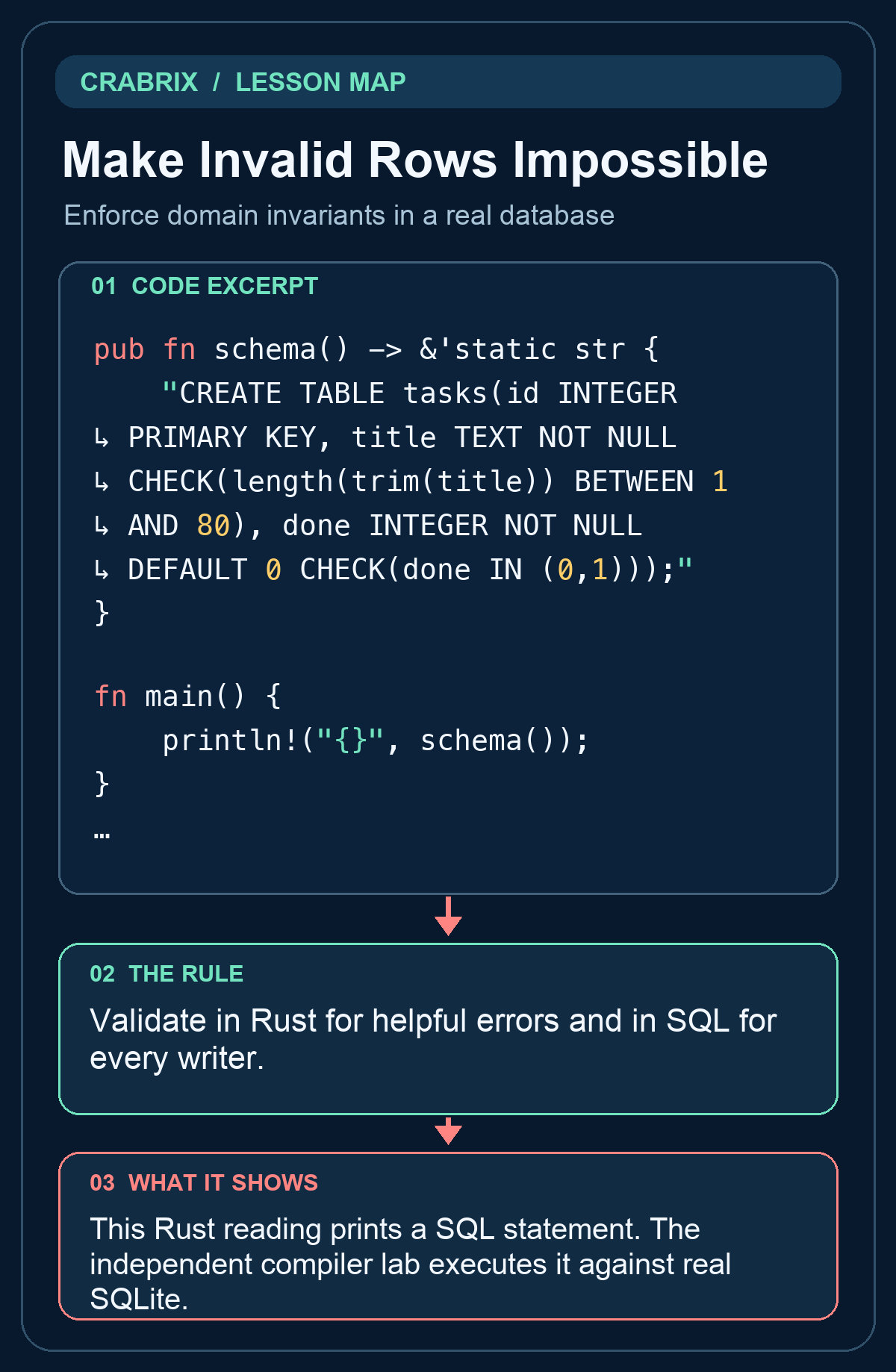
This Rust reading prints a SQL statement. The independent compiler lab executes it against real SQLite.
Practice starter
pub fn schema() -> &'static str {
    todo!("implement the contract")
}
Try it
Return DDL creating tasks(id INTEGER PRIMARY KEY,title TEXT NOT NULL,done INTEGER NOT NULL DEFAULT 0). Enforce a trimmed title length of 1..=80 and done IN (0,1) using SQL constraints. Keep the public signature. Open the compiler lab and edit solution.rs; do not edit the private verification caller.
What success looks like: The separate caller accepts the changed solution and rejects unchanged TODO, a wrong implementation and a printed success message.
Check your understanding
Why keep SQL constraints when the Rust handler already validates titles?
Reveal the answer
- Defaults reject every explicit null
- Other writers and future bugs can bypass the handler
- A Rust validation function automatically changes the database schema
The database must protect its own invariant independently of one application entry point.
Go deeper
Common misconception: A Rust validation function automatically changes the database schema
Validate in Rust for helpful errors and in SQL for every writer.
- Identify the boundary: Enforce domain invariants in a real database. Write down its accepted inputs and observable output.
- Exercise the failure: The database must protect its own invariant independently of one application entry point.
- Check the independent caller: Return DDL creating tasks(id INTEGER PRIMARY KEY,title TEXT NOT NULL,done INTEGER NOT NULL DEFAULT 0). Enforce a trimmed title length of 1..=80 and done IN (0,1) using SQL constraints.
Transfer challenge: Apply this contract to Task Ledger, introduce the failure described in the lesson, and show the failing check before fixing it.
Connections
- Retry Without Duplicating Tasks: Bind an idempotency key to one request payload
- Query the Right Rows in a Stable Order: Filter, join and order by the intended relationship