

Understand it
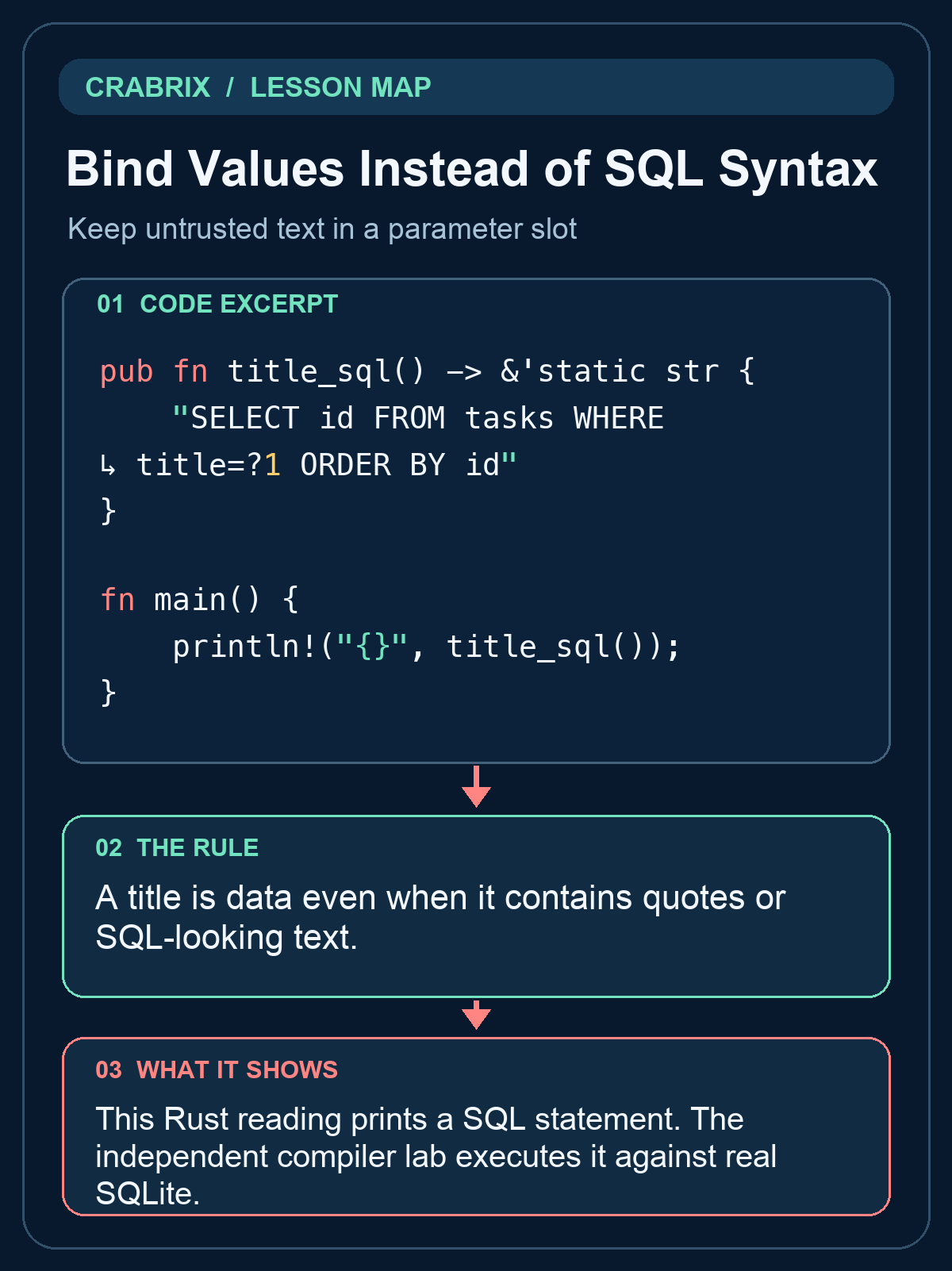
A title can contain an apostrophe or text that resembles SQL. Concatenating it into a WHERE clause turns data into syntax and makes quoting rules part of the security boundary. Bind the title into a placeholder instead; the database receives the statement structure separately from the value.
The local bridge accepts JSON with sql and params fields. The desktop SQLx profile uses its own bind API; placeholders differ across drivers, so SQLite ?1 is not PostgreSQL $1. This lesson grades a read-only SQLite query with exactly one positional title parameter. Fixtures include an apostrophe, Unicode, and an injection-shaped title that must match only itself. LIKE is a different search contract and should not replace exact equality. Parameterization does not grant access control: the application must still decide which caller is allowed to read a project.
The route project is Task Ledger: first keep a reproducible source history, then expose its data through a CLI and HTTP boundary, persist it in SQL, diagnose failures and prepare a release. This lesson owns one contract in that project. Run the worked example before changing the starter and explain which input makes the tempting shortcut fail.
Terminal practice: Inspect the companion db::query call: the title travels in params, while SQL remains unchanged. Use a title containing an apostrophe in the HTTP request.
The compiler lab is independent of the reading question. Edit solution.rs; the app supplies a separate caller with normal, empty and adversarial inputs. A successful unchanged demonstration does not prove your implementation. After the lab, apply the same contract to the route companion project. Its README separates the on-device adapter from the desktop Cargo/TCP profile.
Read the code
pub fn title_sql() -> &'static str {
    "SELECT id FROM tasks WHERE title=?1 ORDER BY id"
}

fn main() {
    println!("{}", title_sql());
}
This Rust reading prints a SQL statement. The independent compiler lab executes it against real SQLite.
Practice starter
pub fn title_sql() -> &'static str {
    todo!("implement the contract")
}
Try it
Return a read-only query selecting task IDs with title exactly equal to parameter ?1, ordered by id. Table tasks has id and title columns; do not interpolate a title into SQL. Keep the public signature. Open the compiler lab and edit solution.rs; do not edit the private verification caller.
What success looks like: The separate caller accepts the changed solution and rejects unchanged TODO, a wrong implementation and a printed success message.
Check your understanding
Does binding a title give it permission to become a SQL clause?
Reveal the answer
- Yes, a quote in the value closes the SQL string
- Parameters replace the authorization policy
- No, it stays a value
A parameter cannot change statement structure; authorization remains a separate application decision.
Go deeper
Common misconception: Yes, a quote in the value closes the SQL string
A title is data even when it contains quotes or SQL-looking text.
- Identify the boundary: Keep untrusted text in a parameter slot. Write down its accepted inputs and observable output.
- Exercise the failure: A parameter cannot change statement structure; authorization remains a separate application decision.
- Check the independent caller: Return a read-only query selecting task IDs with title exactly equal to parameter ?1, ordered by id. Table tasks has id and title columns; do not interpolate a title into SQL.
Transfer challenge: Apply this contract to Task Ledger, introduce the failure described in the lesson, and show the failing check before fixing it.
Connections
- Query the Right Rows in a Stable Order: Filter, join and order by the intended relationship
- Commit Related Changes Atomically: Roll back a failed multi-write operation