

Understand it
A rollback need not replace a whole project. To recover one file, first inspect its contents at an exact historical commit, compare it with the current file, then confirm the replacement. A full commit identity makes the preview stable while branch names continue moving.
The native git restore command opens a preview; applying the restore remains an explicit UI action. This lab models the resulting tree change: replace just the requested path from the historical tree, or remove it if it did not exist there. Preserve unrelated work and deterministic ordering. Restoring a file is also an uncommitted edit; review and commit it as a new change when it belongs in shared history. Do not rewrite already shared history to hide an ordinary correction.
The route project is Task Ledger: first keep a reproducible source history, then expose its data through a CLI and HTTP boundary, persist it in SQL, diagnose failures and prepare a release. This lesson owns one contract in that project. Run the worked example before changing the starter and explain which input makes the tempting shortcut fail.
Terminal practice: Use git log, git show <full-commit>:src/main.rs, then git restore --source <full-commit> -- src/main.rs and inspect the preview.
The compiler lab is independent of the reading question. Edit solution.rs; the app supplies a separate caller with normal, empty and adversarial inputs. A successful unchanged demonstration does not prove your implementation. After the lab, apply the same contract to the route companion project. Its README separates the on-device adapter from the desktop Cargo/TCP profile.
Read the code
pub fn restore(
    work: &[(&str, &str)],
    historical: &[(&str, &str)],
    path: &str,
) -> Vec<(String, String)> {
    let mut tree: std::collections::BTreeMap<String, String> = work
        .iter()
        .map(|(k, v)| (k.to_string(), v.to_string()))
        .collect();
    if let Some((_, text)) = historical.iter().find(|(p, _)| *p == path)
    {
        tree.insert(path.to_owned(), text.to_string());
    } else {
        tree.remove(path);
    }
    tree.into_iter().collect()
}

fn main() {
    assert_eq!(
        restore(&[("a", "new"), ("b", "keep")], &[("a", "old")], "a"),
        vec![
            ("a".to_owned(), "old".to_owned()),
            ("b".to_owned(), "keep".to_owned())
        ],
        "case 1"
    );
    assert_eq!(restore(&[], &[], "missing"), vec![], "case 2");
    assert_eq!(restore(&[("a", "x")], &[], "a"), vec![], "case 3");
    assert_eq!(
        restore(&[], &[("a", "x")], "a"),
        vec![("a".to_owned(), "x".to_owned())],
        "case 4"
    );
    println!("worked example passed");
}
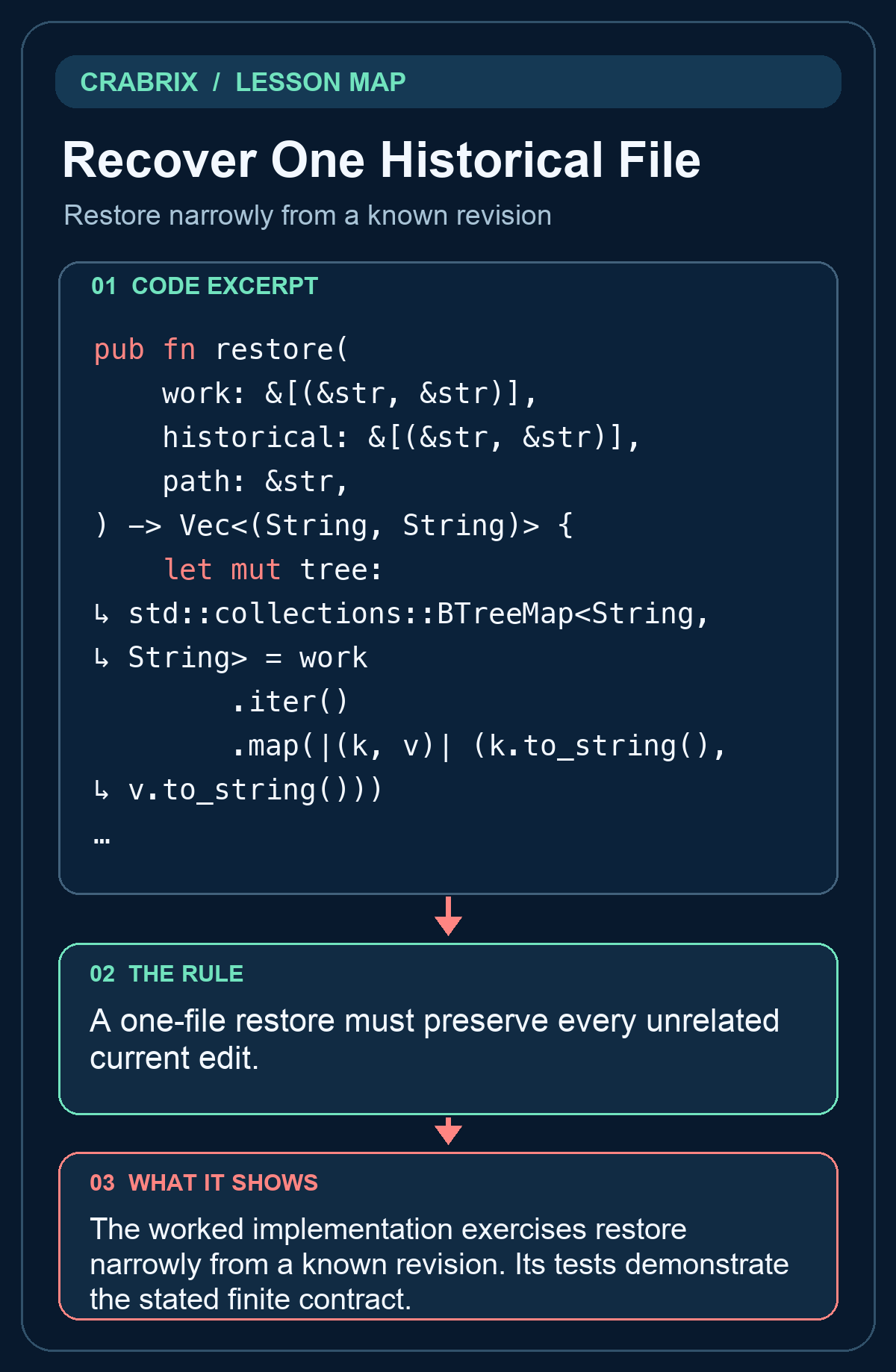
The worked implementation exercises restore narrowly from a known revision. Its tests demonstrate the stated finite contract.
Practice starter
pub fn restore(work: &[(&str,&str)], historical: &[(&str,&str)], path: &str) -> Vec<(String,String)> {
    todo!("implement the contract")
}
Try it
Return the current tree with exactly one path restored from a historical tree. Absence in history removes that path. Keep the public signature. Open the compiler lab and edit solution.rs; do not edit the private verification caller.
What success looks like: The separate caller accepts the changed solution and rejects unchanged TODO, a wrong implementation and a printed success message.
Check your understanding
After restoring one historical file, what happens to unrelated current edits?
Reveal the answer
- A restore rewrites every previous commit
- They stay in the worktree
- All files should revert to the historical tree
Replacing the entire tree loses unrelated edits and exceeds the requested recovery.
Go deeper
Common misconception: All files should revert to the historical tree
A one-file restore must preserve every unrelated current edit.
- Identify the boundary: Restore narrowly from a known revision. Write down its accepted inputs and observable output.
- Exercise the failure: Replacing the entire tree loses unrelated edits and exceeds the requested recovery.
- Check the independent caller: Return the current tree with exactly one path restored from a historical tree. Absence in history removes that path.
Transfer challenge: Apply this contract to Task Ledger, introduce the failure described in the lesson, and show the failing check before fixing it.
Connections
- Switch Without Losing Work: Protect dirty worktrees during checkout
- Parse a CLI Contract: Preserve arguments and reject ambiguous input