

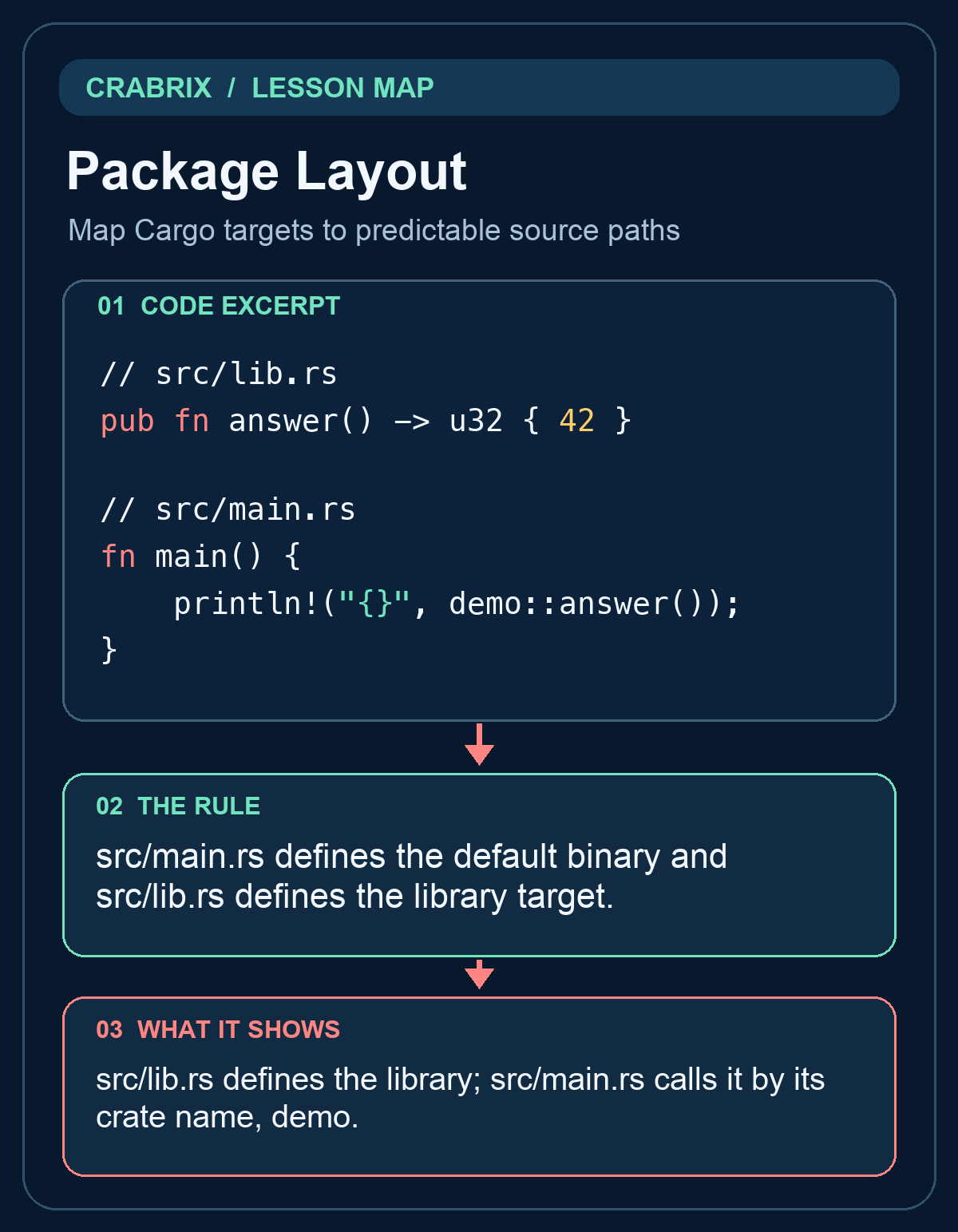
src/lib.rs defines the library; src/main.rs calls it by its crate name, demo.Understand it
src/main.rs defines the default binary and src/lib.rs defines the library target. Additional binaries and integration tests have conventional directories that keep tooling automatic.
Cargo recognizes conventional paths, which lets a small project grow without custom build configuration. src/main.rs is the default binary entry point. src/lib.rs defines a library target that other crates and integration tests can import. Additional binaries can live under src/bin/, while external tests live under tests/. These paths describe targets, not just folders for tidiness.
In the sample, demo::answer() calls the library from the binary. The name before the double colon is the library crate name, normally derived from the package name unless configured otherwise. A binary in the same package still uses the library through its public interface. This is useful discipline: the CLI can remain a thin layer around reusable logic, and integration tests can exercise the same API that a user imports.
Try moving a function from main.rs into lib.rs, marking it public, and calling it from both the binary and a test in tests/. Confirm which imports compile and which private helpers remain inaccessible. Keep module files inside the appropriate target; creating a file by itself does not make Rust compile it unless it is a recognized target or declared from the module tree. A conventional layout reduces configuration surprises, but choose a new crate only when the code deserves its own package boundary.
Read the code
// src/lib.rs
pub fn answer() -> u32 { 42 }

// src/main.rs
fn main() {
    println!("{}", demo::answer());
}
src/lib.rs defines the library; src/main.rs calls it by its crate name, demo.
Practice starter
// src/lib.rs
pub fn answer() -> u32 { 42 }
fn secret() -> u32 { 7 }

// src/main.rs
fn main() {
    println!("{}", demo::answer());
    println!("{}", demo::secret());
}
Try it
Predict which call in src/main.rs fails to compile. Then fix it with a one-word change in src/lib.rs and say what that change adds to the library's API.
What success looks like: You can say which file defines each target and why main reaches the library only through pub items.
Check your understanding
Which file defines the library target?
Reveal the answer
- src/lib.rs
- src/main.rs
- Cargo.lock
src/lib.rs is the root of the library target. src/main.rs is the binary, and it can only call what the library marks pub.
Go deeper
Common misconception: “src/main.rs is the library target, because it holds the project's main code.”
src/lib.rs defines the library target. src/main.rs is the default binary, which uses the library like any other caller.
- Spot the targets:
src/lib.rsmakes a library target andsrc/main.rsa binary target in one package, so they compile as two crates. - Follow the path:
demo::answer()inmainnames the library by its crate name,demo, derived from the package name. - Check the boundary:
answerispub, so the binary may call it and the line prints 42. A private function would be rejected.
Transfer challenge: Add src/bin/report.rs and tests/answer.rs, both calling demo::answer(). Predict how many binaries cargo build produces and which command runs only the new test.
Connections
- Reference Cycles: Weak<T> and leaks Rust cannot prevent
- Check, Build, Run: Choose the cheapest command that proves the next fact
Learn this lesson with AI
Paste this into Claude, Codex, Cursor or another agent connected to Crabrix Academy. It contains only this lesson’s public details.
I'm learning Rust with Crabrix Academy. Teach me this lesson with the Crabrix Academy tools.
Lesson: Package Layout (courseId "projects", lessonId "package-layout")
Link: https://crabrix.com/learn/projects/package-layout/
Goal: src/main.rs defines the default binary and src/lib.rs defines the library target.
Practice: give me the lesson's exercise (crabrix_academy_get_exercise); I will write and run the code in Crabrix.
Explain it step by step for my level, let me write the code myself, give hints before any solution, and do not mark anything as passed: only Crabrix checks do that.