Crabrix blog
From a Rust lesson to a project you own
A practical path from reading one example to predicting behavior, editing source, handling errors, and keeping an independent Rust project.
2026-10-09 · 11 min read
Crabrix blog
A practical path from reading one example to predicting behavior, editing source, handling errors, and keeping an independent Rust project.
2026-10-09 · 11 min read
A short example can make a concept look obvious while someone else has already made every choice. You see a finished function, a correct type, and a successful output. The real skill starts when one detail changes: an input is empty, a value moves, or a branch returns the wrong type. Crabrix lessons are meant to give you an idea and a concrete Rust snippet, but the way to make that idea yours is to predict, edit, and check it. The compiler then tests a claim about your own code instead of asking you to remember someone else’s answer.
The Academy currently organizes six Rust courses with 142 guided lessons, plus Algorithm Atlas with 200 patterns across 600 steps. Those counts describe the catalog, not a promise that reading every page automatically makes someone fluent. A useful lesson has to make the next action clear: what to notice, what to change, what result to expect, and how to explain a surprise. On the website every lesson is open to read. In the app you can take an example into the editor and turn it into a project that remains yours.
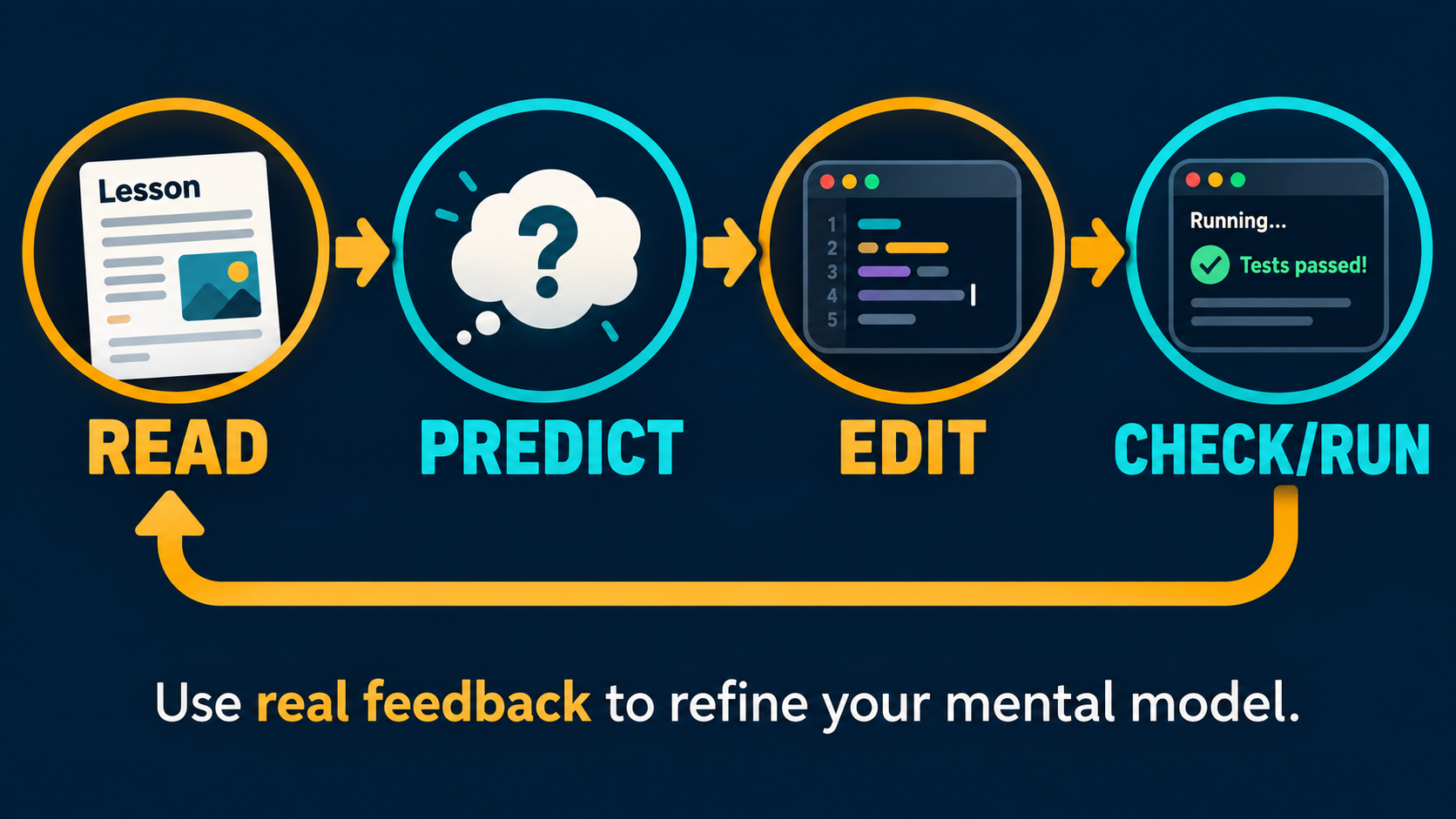
Begin by reading the example slowly enough to name each value and the operation that uses it. Before running anything, write down the output or the compiler error you expect. Then change one line and ask the same question again. Only after you have a prediction should you press Check or Run. Compare the evidence with your prediction, and revise your mental model if they differ. This order matters: without a prediction, even a surprising result is easy to accept without understanding.
For a tiny greeting, the prediction may be one exact line of stdout. For a borrow, predict whether the caller can still use the owned String after a function call. For a match, list every variant and which arm handles it. A failed prediction is useful when you can point to the rule you misunderstood. Keep the experiment small enough that one changed line has one plausible effect. If you change types, branches, and formatting all at once, the next diagnostic may tell you little about which idea was wrong.
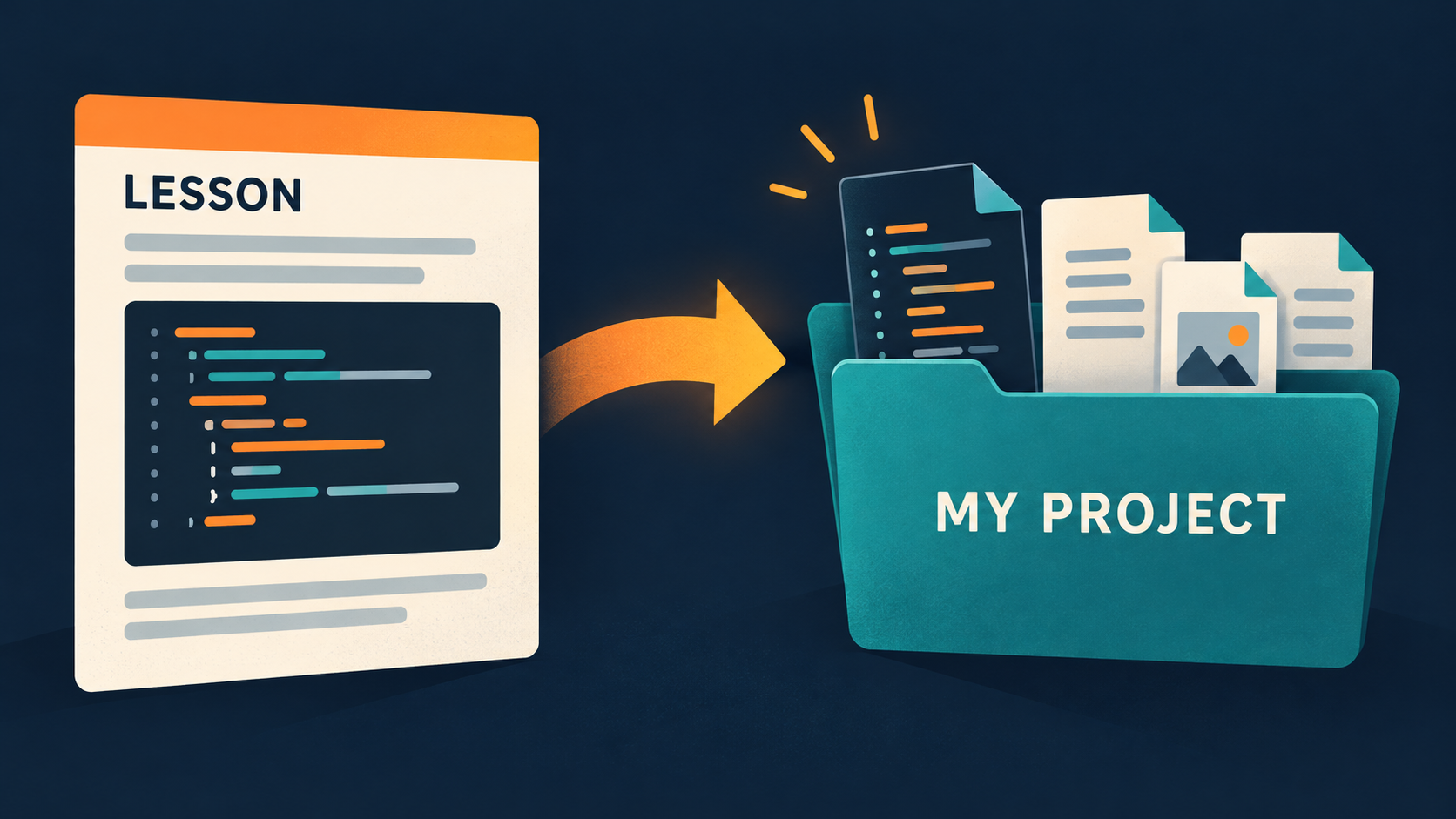
In the iOS app, opening lesson source in Code creates an editable project copy. The project is separate from the downloaded course material. This is an important ownership boundary for the learner: you can make mistakes, rename files, or delete code without corrupting the lesson you may want to reread. You can also return to My Projects later rather than losing the experiment when you leave the lesson. The first copied version is only a starting point; the value lies in what you do to it.
Give the project a question. Instead of “I am practicing Rust,” try “What changes when this function borrows a String rather than taking it?” or “What should an empty list return?” Put that question in a note or comment, change the smallest relevant piece of code, and check. If the compiler rejects your experiment, read its message before undoing the change. If it succeeds, run an input that distinguishes your new behavior from the old one. A project becomes durable learning material when it records a sequence of understood decisions.
Start with a list of names and a loop that prints a greeting for each one. Borrow the list during iteration so the list still exists afterward. Predict the output for two names, including punctuation and line breaks, then run it. Add a third name and predict again. This seems elementary, but it establishes the habit of separating collection contents, iteration, formatting, and output into distinct parts you can reason about.
Now remove the reference from the loop and try to use the list afterward. The compiler may tell you that the vector was moved by the iteration. Read the diagnostic as evidence about ownership: the loop took values rather than merely borrowing them. Restore the reference and explain why the later use works. Next try an empty vector. The loop runs zero times, so there is no greeting. Decide whether that is acceptable or whether your program should print an explicit “no names” message. You have moved from copying syntax to defining behavior for a boundary case.
fn main() {
    let names = vec!["Ferris", "Crabrix"];
    for name in &names {
        println!("Hello, {name}!");
    }
    println!("Count: {}", names.len());
}An error is most useful when you created it on purpose. Change &names to names in the loop, predict whether names.len() remains legal, and press Check. Identify the line where ownership moved and the later line that tried to use the old binding. Do not immediately add .clone() merely to remove the error. Cloning can be correct when independent owned copies are needed, but in this example a borrow expresses the intent more clearly and avoids copying elements.
Try a different controlled mistake: give a function an i32 argument where it expects &str. The diagnostic compares the actual and expected types. Ask whether the caller should convert its value, or whether the function signature is wrong for your intended API. That question is more valuable than a mechanical cast. Fix one error, compile again, and only then inspect the next. Compiler messages often cascade from one missing delimiter or type mismatch, so treating every line as an independent bug wastes time.
A copied example often contains only known-good values. A real project eventually reads text it did not choose. Parsing is the first useful boundary to add. Accept a text number, call parse::<i32>(), and handle both Ok(number) and Err(error). Decide what the user should see when the input is empty, contains letters, or exceeds the number type’s range. This is where a tutorial becomes software: you must define behavior for the cases the original snippet did not show.
Keep the failure path recoverable. An unwrap() may be fine in a five-line controlled demonstration, but it turns ordinary bad input into a panic. Returning Result from a helper lets its caller decide whether to retry, show a message, or stop. Add a test or a small table of inputs and expected outcomes. If you cannot explain why a failed parse is handled one way rather than another, the project needs a clearer requirement. The compiler ensures you handle the type; the product decision is still yours.
One file is enough for a first experiment. Split code into modules when a boundary is clear, not merely because the file reached a certain line count. A parser module can own conversion and error messages; a model module can define the values the rest of the project uses; main can connect input to output. If a function is useful from another module, decide whether to expose it with pub. Keep internal helpers private. This gives names to responsibilities while keeping the public API small.
The project workspace supports multiple files and a manifest. Some projects can add supported crates.io dependencies, but check target compatibility before building a design around one. A dependency may transitively require a build script, procedural macro, or native linker that the local target does not support. Start with a small pure-Rust dependency and verify it before adding more. The moment you add files or packages, keep a working version of the project so you can distinguish a module-path error from a dependency problem.
A print statement answers “what happened in this run?” A test can preserve a claim for future changes. For a greeting function, test a normal name and an empty name. For parsing, test valid, invalid, and boundary inputs. Name the test after the behavior it protects rather than the method it calls. A test that merely repeats implementation details can pass even while the user-facing result is wrong. Keep expected values visible and specific.
Choose the smallest useful test. A pure function can be tested without invoking the entire app. An integration-style test can check that several modules work together. A manual run is still useful for terminal output and interaction, but it should not be the only guard for a rule you plan to rely on. After changing a function, run the relevant tests and then check the project again. If a test fails, decide whether the behavior or the expectation should change; do not update expected output automatically without understanding the difference.
When a program produces the wrong answer, start with one hypothesis that could explain it. “The empty input takes the normal branch” is testable; “Rust is behaving strangely” is not. Inspect the value just before the branch, or add a narrow temporary debug print. Compare it with the value you predicted. If the hypothesis fails, remove that observation and choose another. This is faster than scattering prints across every line and trying to read an ocean of logs afterward.
Separate build errors from runtime behavior. Problems contains compiler diagnostics from code that could not be accepted. Output is where a built program’s stdout and run outcome appear. The project terminal offers supported commands over the workspace, not an unrestricted host shell. Use the tool that answers your current question. If a run was interrupted, confirm whether the visible output belongs to the latest build or an earlier one. Write a regression test after you understand the bug so the same boundary stays covered.
A project copy is useful because it remains editable after the lesson ends. Rename it to describe the experiment, keep the source and tests that explain its behavior, and export it when you want to move it elsewhere. A downloaded course can be updated independently of that project. Offline reading and offline building also differ: a course can be stored on the phone while an exercise using an uncached dependency may still require preparation. Plan accordingly before a trip or a class without connectivity.
One good learning session is not measured by the number of lessons completed. It is measured by a rule you can now explain and a program whose behavior you can predict. After Rust Basics, try ownership with a deliberate move and borrow; after that, build a small multi-file program with one recoverable error. Return to the free web lesson when you need the reference, then use the local compiler to test the next claim. Over time, your project collection becomes evidence of what you can actually make.